Restaurant, Cafe & Bar POS

Flawless Tables. Faster Kitchens. Delighted Diners.

Connect your front-of-house dining room to your kitchen prep stations with zero latency. iMARA POS equips restaurants, bistros, cafes, and cocktail lounges with visual floor plans, digital Kitchen Display System (KDS) routing, mobile waiter ordering, and lightning-fast bill splitting.

Real-Time KDS Screen
Waiter Handheld Pads
Instant Bill Splitting
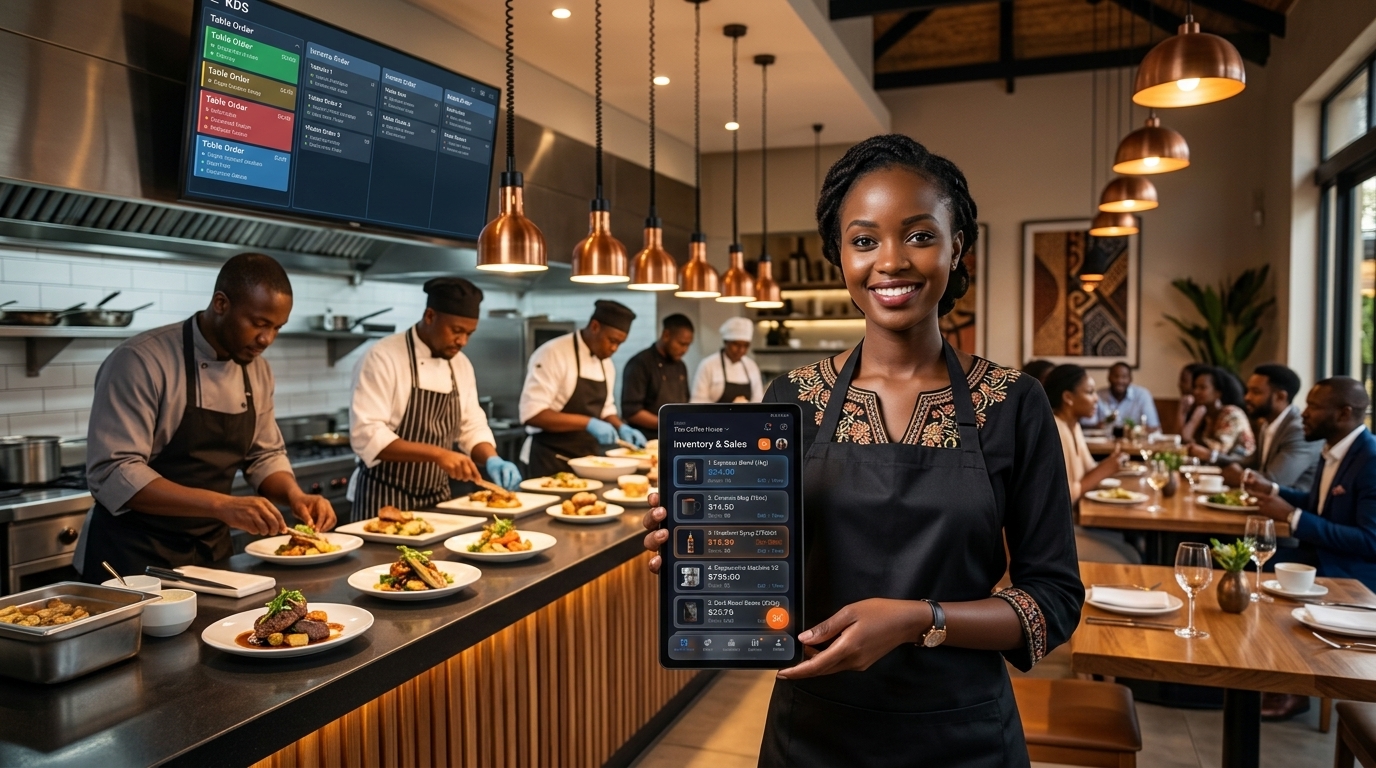
Busy restaurant kitchen display and waiter tablet
-40%
Kitchen Ticket Turnaround Time
Hospitality Precision

End Dining Room Chaos. Deliver Five-Star Service.

Lost kitchen tickets and awkward bill disputes damage restaurant reputations. Here is the modern fix.

The Pain of Traditional Dining Operations

  • Handwritten paper tickets get lost or splashed with grease near the grill.
  • Waiters constantly run back and forth to the central terminal to input table orders.
  • Guests get frustrated waiting 15 minutes at payment time trying to split checks separately.
  • Costly bar liquor over-pouring and untracked food portions silently drain margins.

The iMARA Restaurant Experience

  • Interactive KDS with color-coded ticket timers (Green → Amber → Red) showing preparation elapsed times.
  • Handheld waiter tablet mode fires appetizers and mains directly from tableside in real time.
  • Flexible 1-click check splitting (by seat, by selected item, or equal split) with instant receipts.
  • Dynamic recipe ingredient deduction depletes cuts of meat, vegetables, and bar liquor bottles automatically.
Front & Back of House Power

Engineered for High-Energy Dining.

Equip floor staff, chefs, and bartenders with specialized tools built to handle rush-hour volume.

Visual Table Floor Plan

Customize tables, VIP booths, patio sections, and bar seats. Color-coded status shows at a glance which tables are free, ordering, waiting for food, or awaiting bill settlement.

Floor Plan & Table Matrix

Kitchen Display System (KDS)

Mount any screen or tablet in the kitchen. Orders flash instantly with table numbers, guest notes (e.g. "no onion"), and elapsed prep timers. Tap to bump completed dishes.

Digital KDS Screen

Waiter Handheld Tablet Ordering

Waiters take orders tableside on Android phones or tablets. Specials, modifiers, and seat assignments send over local Wi-Fi to the kitchen before the waiter even leaves the table.

Waiter Management App

Smart Bill Splitting & Merging

Handle complex dining requests effortlessly. Split checks equally across 4 guests, split by specific drinks and entrees, or transfer tabs when diners move from the bar to a booth.

Split-Check Calculator

Bar Tabs & Pour Cost Accounting

Keep customer bar tabs open securely. Each cocktail or draft beer ordered depletes ounces of spirits and mixers according to pre-configured recipe measurements.

Bar & Cocktail Recipes

Multi-Station Print & Screen Routing

Route drink orders to the service bar printer, hot items to the grill KDS, and desserts to pastry station automatically from a single unified guest check.

Multi-Printer Dispatch
Dining Lifecycle

The 5-Step Service Cycle

How an order glides smoothly from table greeting to satisfied departure.

1

Table Seated & Assigned

Host seats guests at Table 12. Table changes from green (vacant) to blue (occupied) on all devices.

2

Tableside Handheld Input

Waiter inputs drinks and appetizers with customer dietary notes. Order fires instantly to kitchen & bar.

3

Kitchen Display Prep

Chefs monitor tickets with live timers. When orders are plated, chef taps "Ready" to alert the floor server.

4

Add-Ons & Minibar Pours

Additional desserts or after-dinner drinks append dynamically to Table 12's running check.

5

Split Settle & Auto-Free

Guests split bill across cash and mobile money; receipts print and table resets to vacant for new guests.

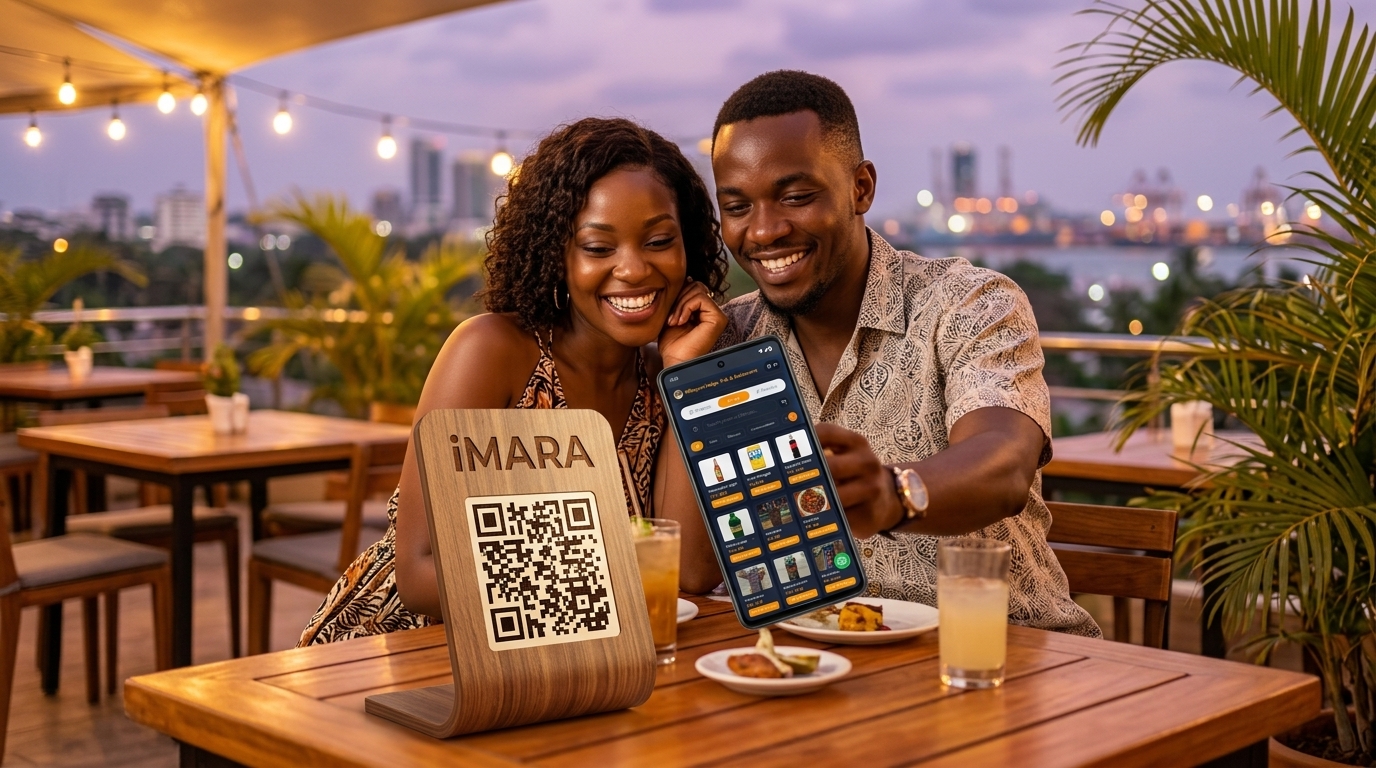
Couple ordering food via QR code on smartphone
0 Data
Runs on Local Restaurant Wi-Fi
Next-Gen Dining Experience

Diners Scan. Self-Order. Orders Fire to KDS.

Eliminate long ordering queues and free your waitstaff to deliver hospitality. iMARA POS runs an offline micro-HTTP web server right from your cashier terminal. When guests scan the table tent QR code, they get an interactive digital menu on their phone with zero app downloads and zero internet data needed.

  • Menus update automatically when you change prices or run out of stock
  • Table number is pre-tagged so the kitchen knows exactly where to deliver
  • Generate printable A4 table tents directly from iMARA's built-in PDF engine
Explore Web LAN Portal & QR Ordering

Restaurant & F&B FAQs

Common questions from restaurateurs, cafe operators, and bar managers.

Can we use cheap Android tablets as Kitchen Display Screens (KDS)?

Yes. Any modern Android tablet, touchscreen monitor, or PC can serve as a full-screen Kitchen Display System. You can also mix and match, using a screen at the grill and a thermal ticket printer at the bar.

Does tableside waiter ordering work when our internet connection is down?

Yes! iMARA POS uses a high-speed local network bridge. As long as your waiter tablets and POS terminal are connected to your local restaurant Wi-Fi router, orders route to the kitchen instantly with zero internet required.

How does bill splitting handle mixed payments like Cash and Mobile Money?

Effortlessly. You can divide the check into equal portions or separate items per seat. Diner A can pay their exact portion with cash while Diner B pays with mobile money or card, with individual receipts generated for each.

Upgrade your dining room and kitchen operations today.

Join restaurant and cafe owners cutting order turnaround times and serving happier diners.

Download App